Project category:
Blockchain Infrastructure+1Total raised:
$20M
$20,000,000
Reward date:
TBAOpenMind
OpenMind
Mobile App
All tasks (7)
Mobile App
Task type:
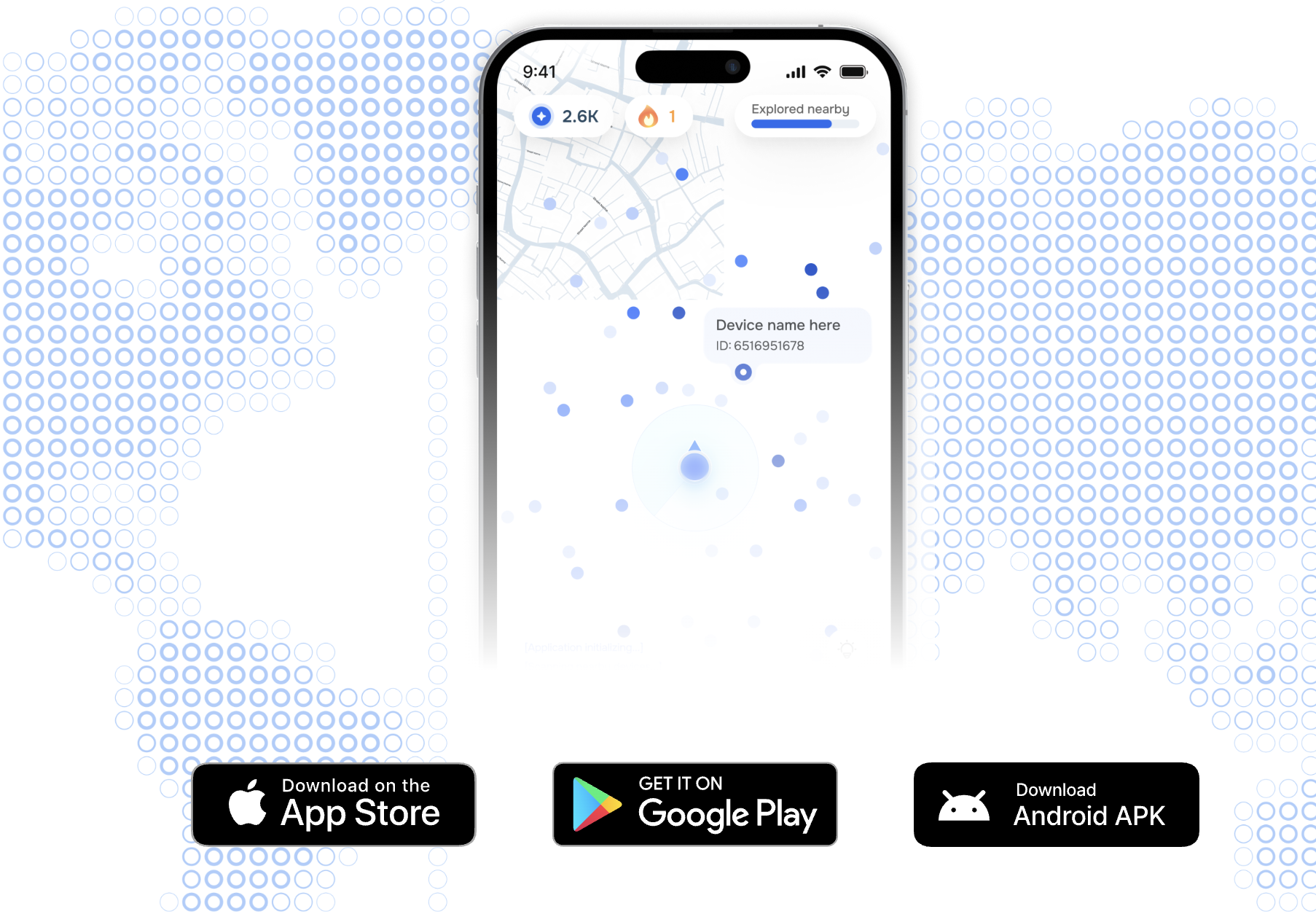
DePINSocialMobile AppOpenMind has launched a mobile app that lets you walk around the city and earn points. The app anonymously scans nearby streets to improve maps.
Access is being rolled out gradually:
- Week 1 (9/8) – Top 1,000 users
- Week 2 (9/15) – Top 20%
- Week 3 (9/23) – 75%
- Week 5 (9/30) – All waitlisted users
- Week 6 (10/6) – App open to everyone
You can check your position on the leaderboard here.
- Follow the link, download the app, and start earning points. If you don’t have access yet, try again next week.
Identity NFT
Task type:
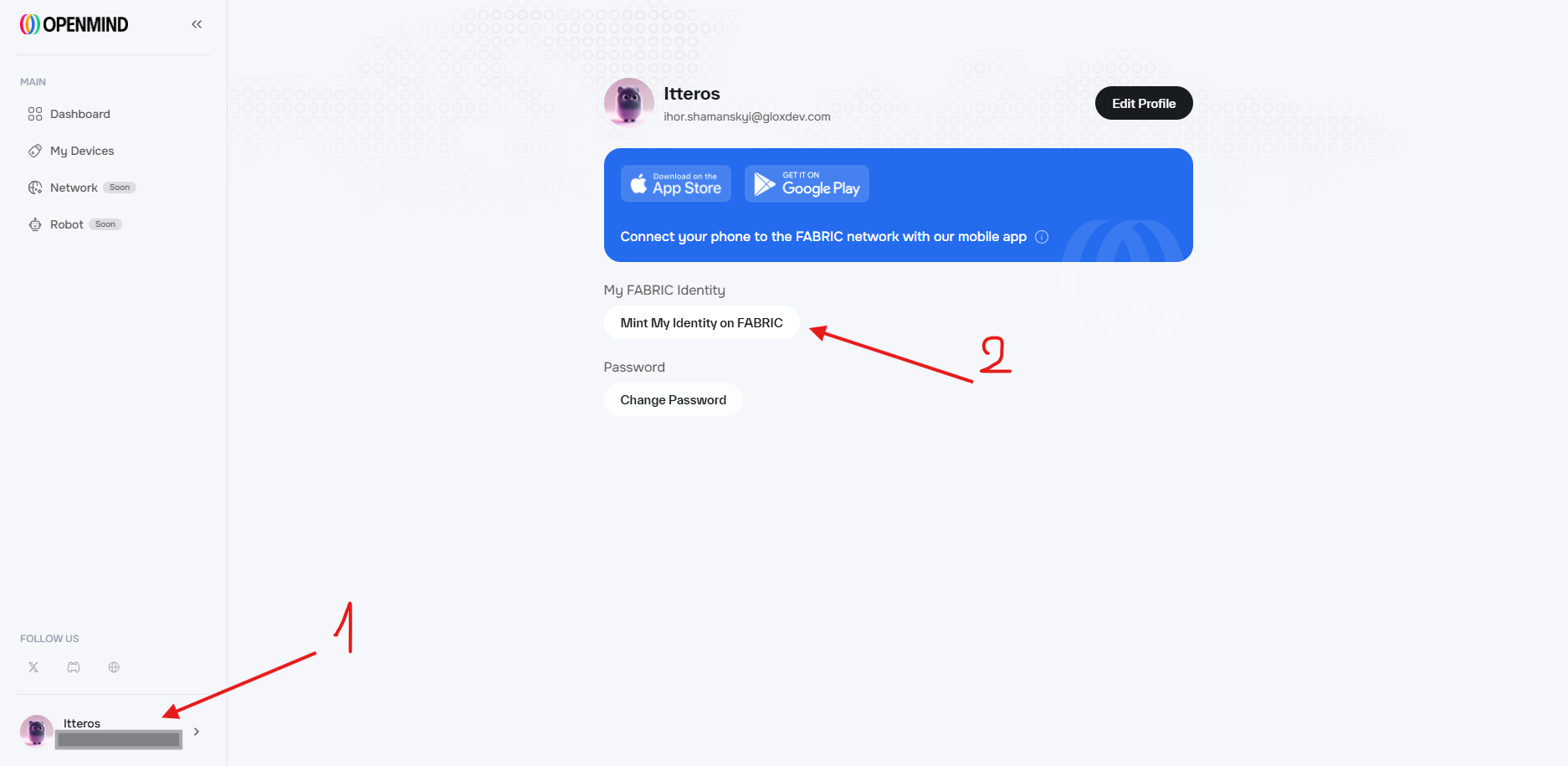
Mint NFTOn October 9, 2025, OpenMind has introduced NFT minting and badges! Minting is free, but you’ll need at least 0.001 ETH in your wallet on the Ethereum network.
- Go to the website and log in to your account.
- Open your profile and mint the NFT.
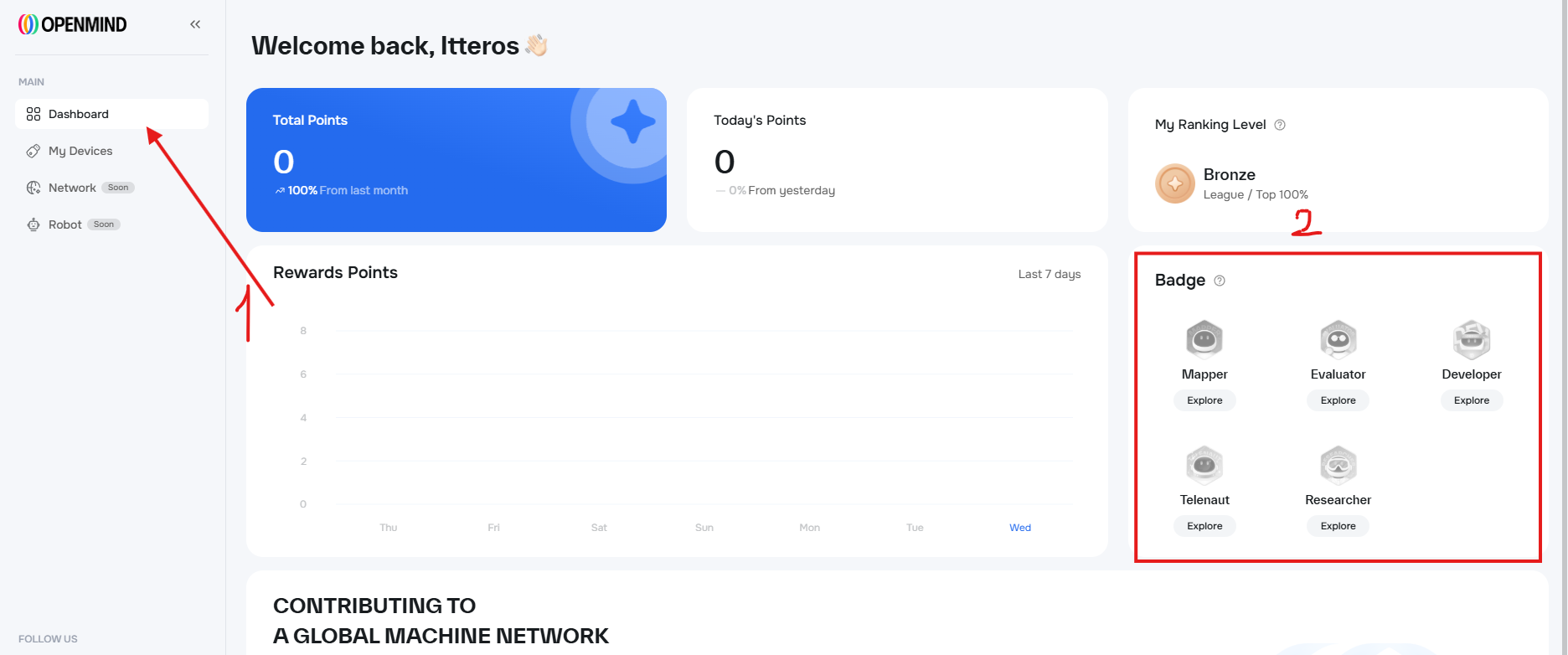
- Check out the available badges and try to earn them.
Mint Personal NFT
Task type:
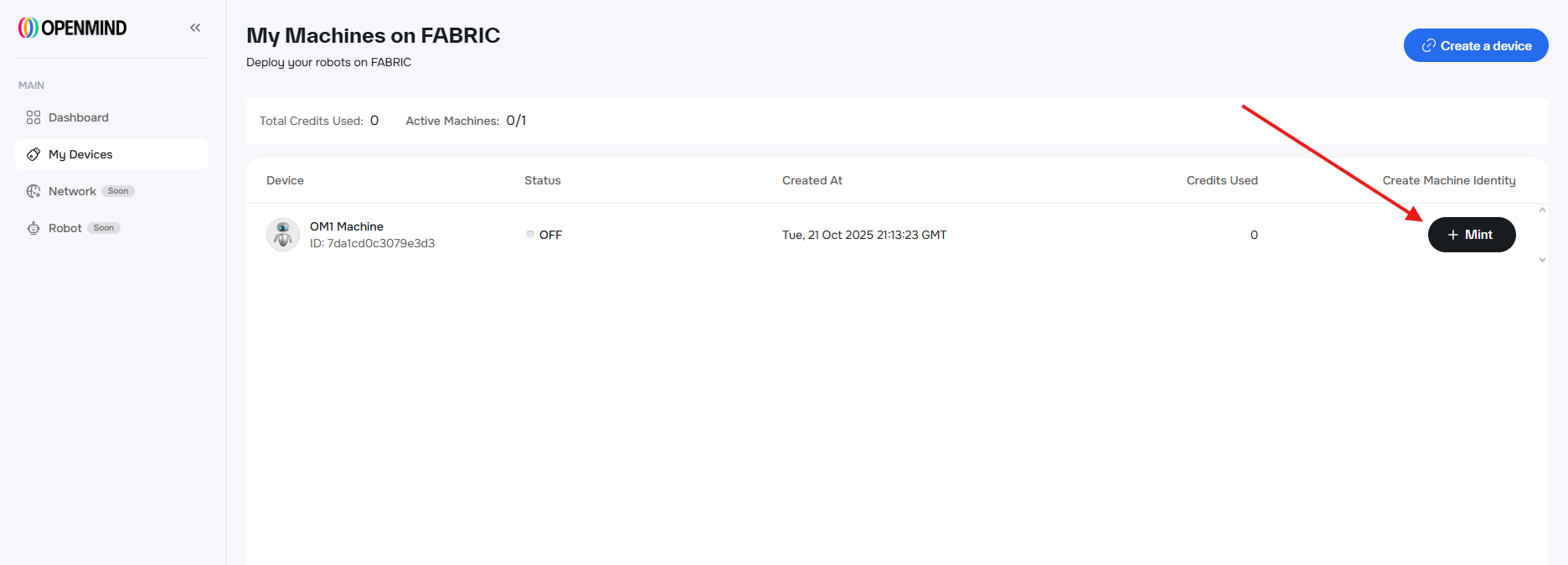
Mint NFTIn addition to the Identity NFT, you can also mint a Personal NFT in the My Devices tab.
- Go to the My Devices tab and click Create a device. In the pop-up window, select Create API key and save it.
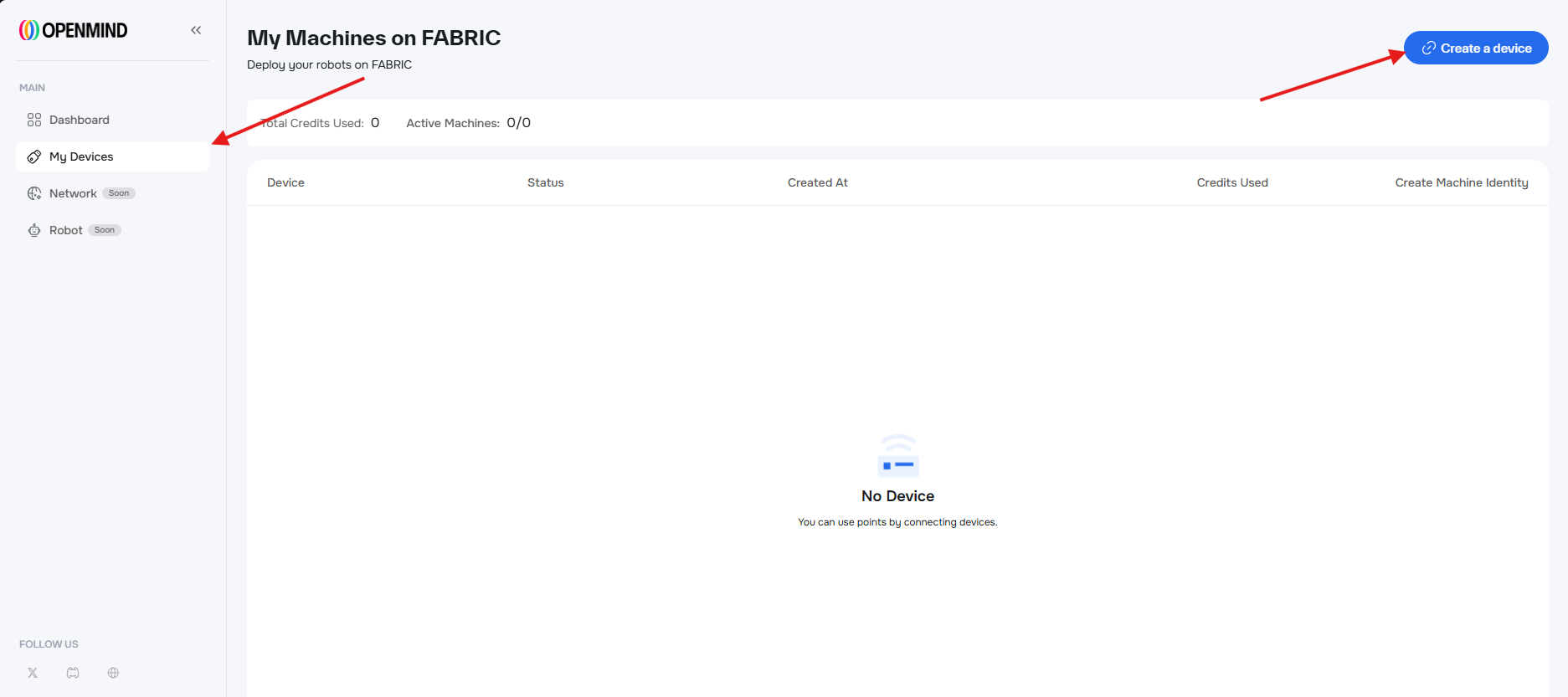
- Return to the My Devices tab and mint your NFT.
Personhood Badge
Task type:
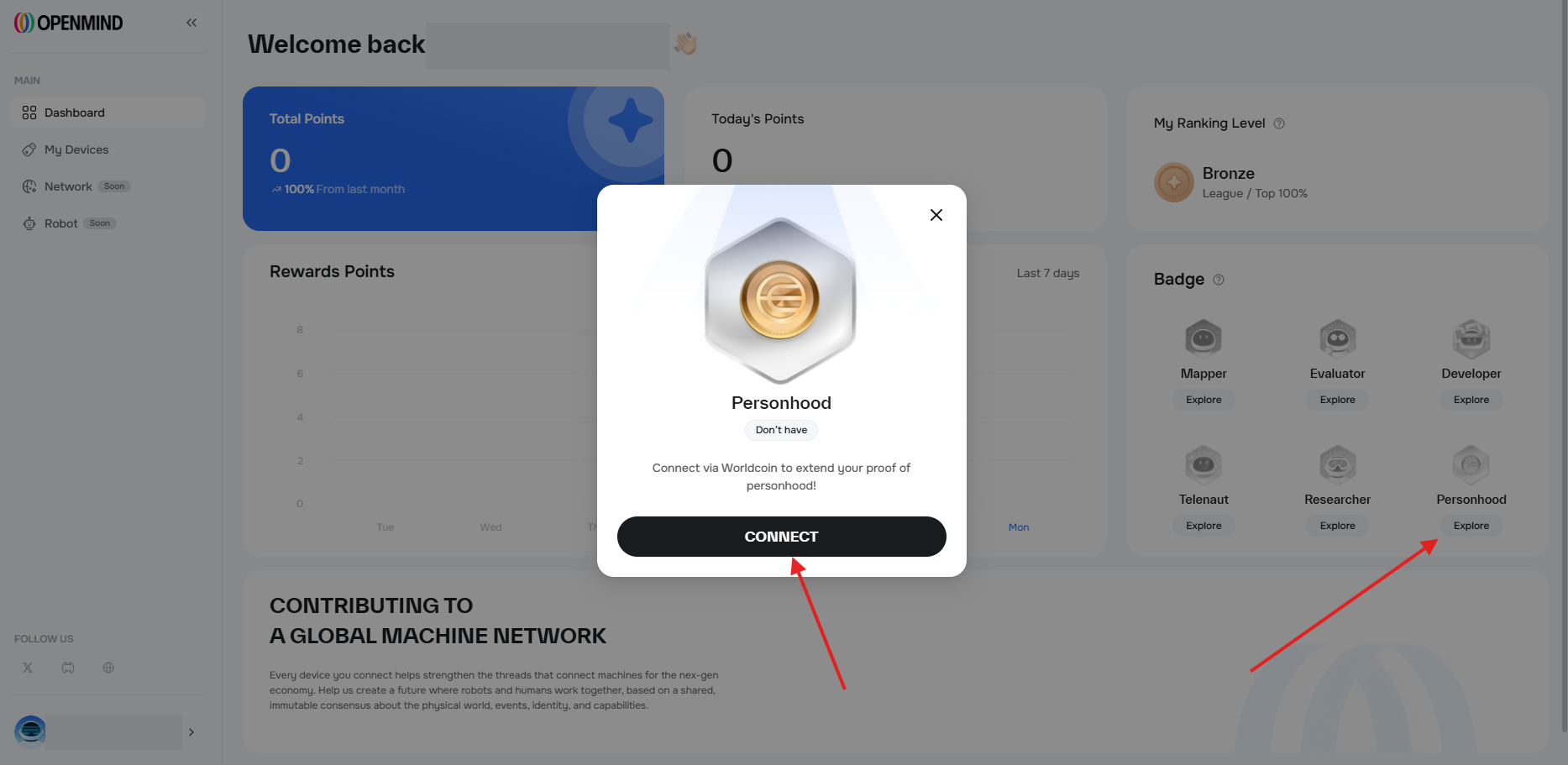
SocialMobile AppOpenMind has introduced a new badge, and you can earn it with just a few easy steps.

Social Accounts
Task type:
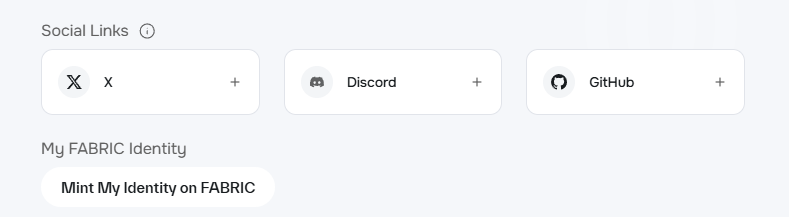
SocialOn December 29, 2025, OpenMind has introduced a new feature that lets users link their social media accounts to their profiles to verify real user activity.
- Open the settings page and connect your social accounts:
Waitlist
Task type:
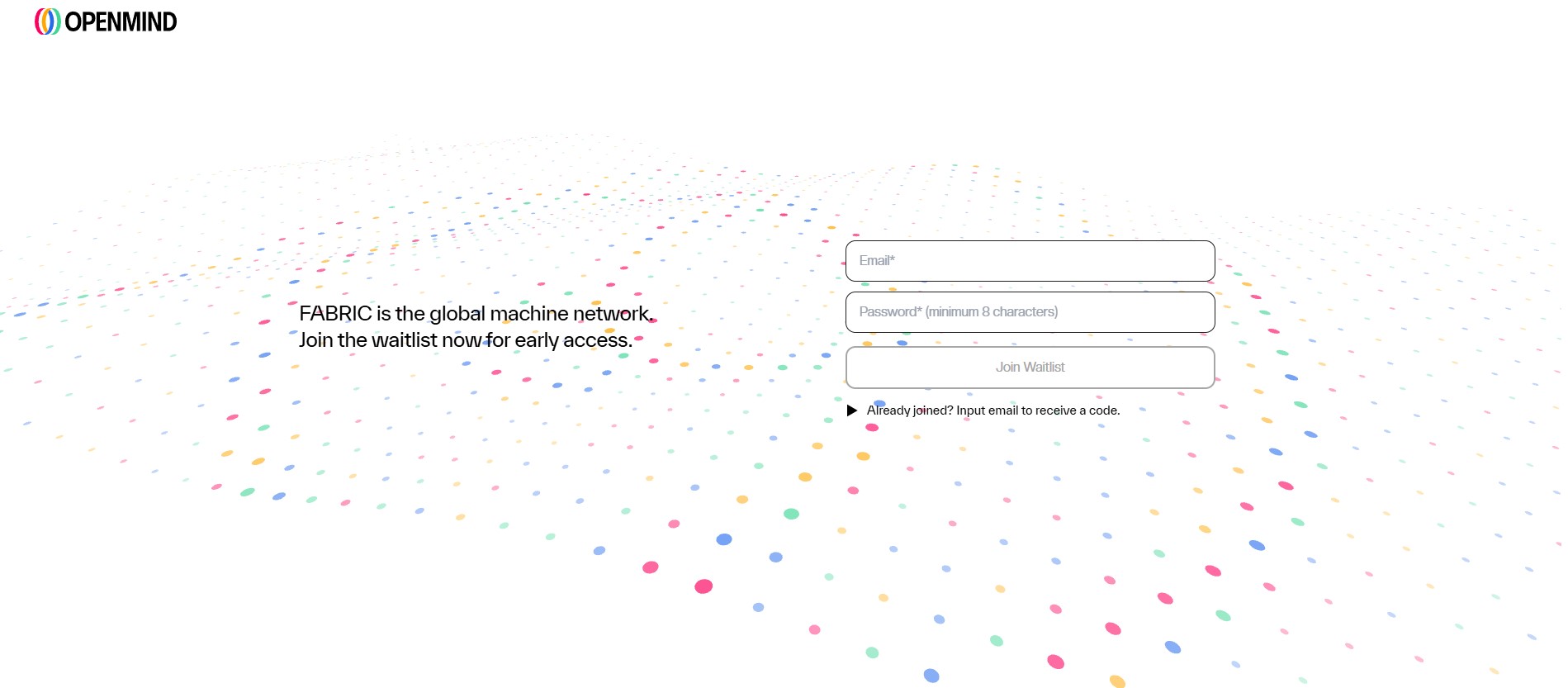
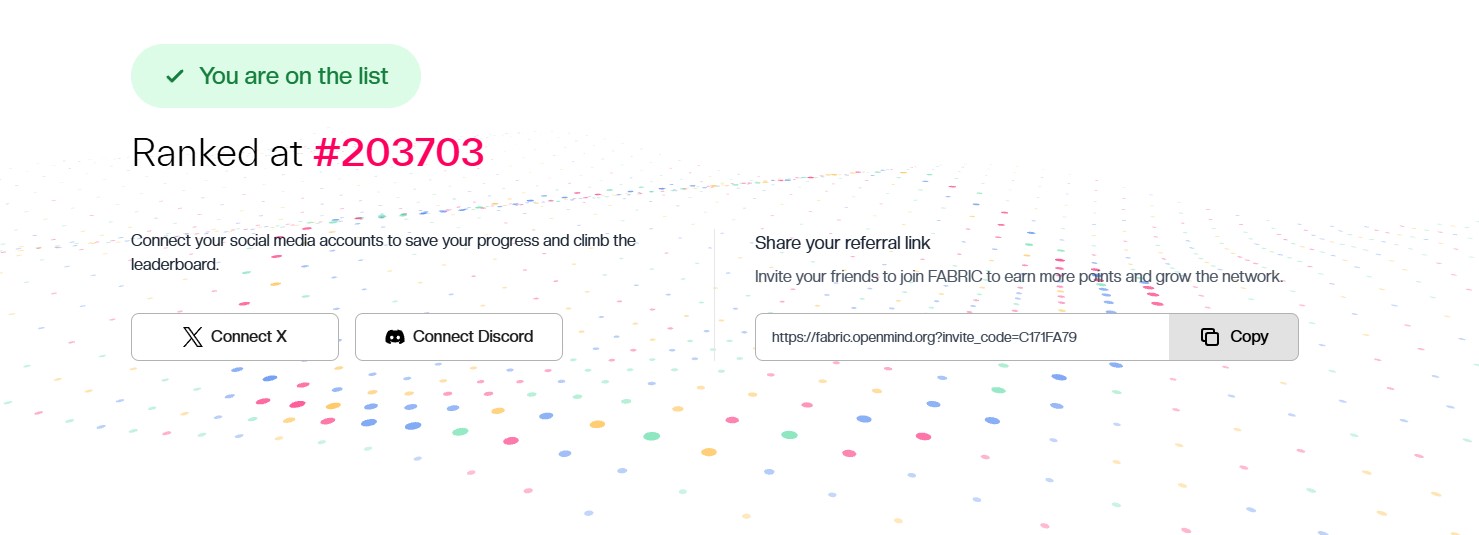
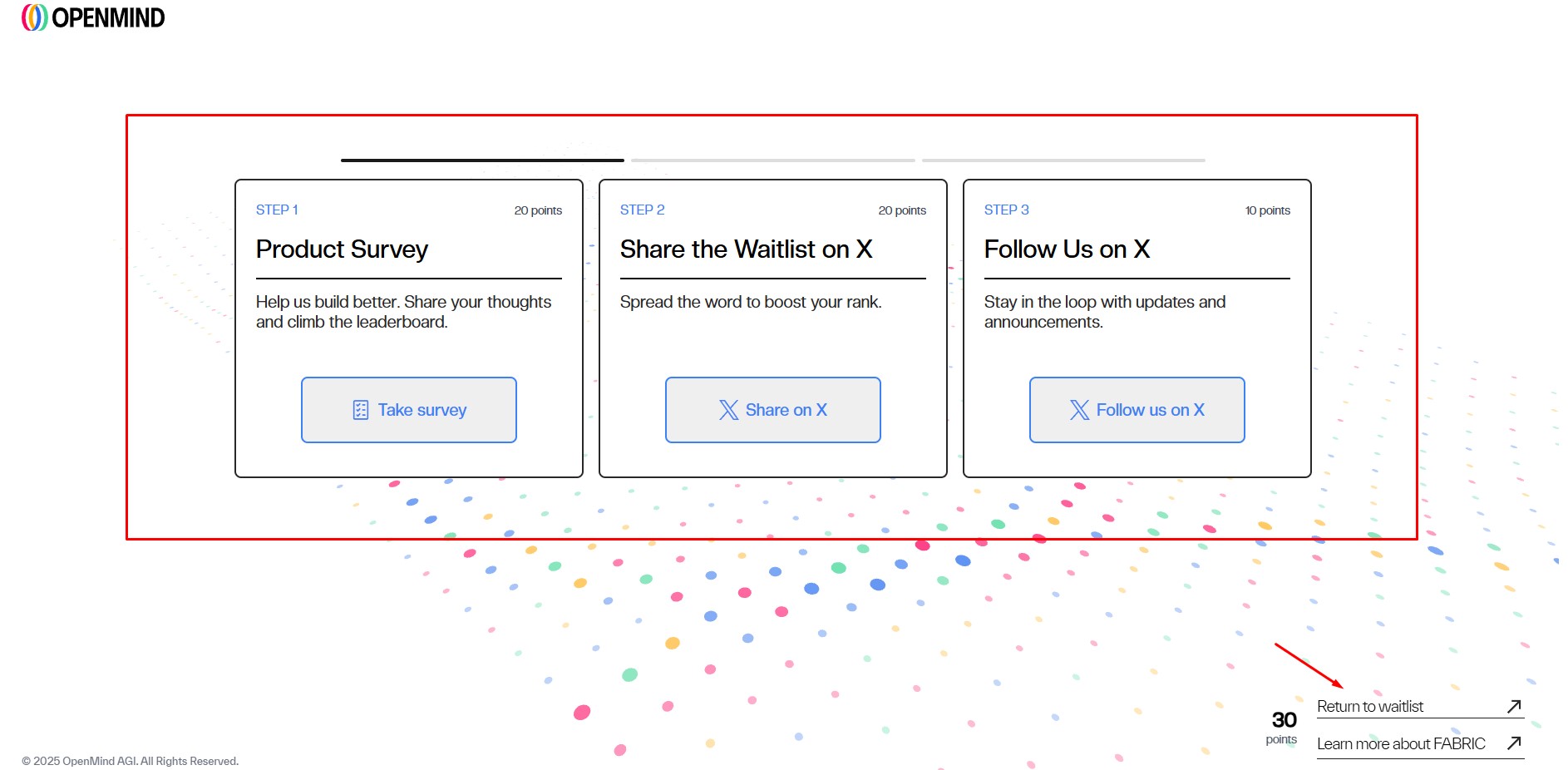
SocialWaitlistPoints FarmingOn August 4, 2025, they launched the waitlist for their product, FABRIC. During this campaign, participants must earn points and climb the leaderboard. Access will be granted based on ranking, and selected users will be able to start earning the protocol’s reward points immediately.
- Go to the website and and sign up with your email address.
- Connect your social accounts and complete the available quests — this will give you 80 points.
- Invite your friends to earn additiona points.
Discord activities
Task type:
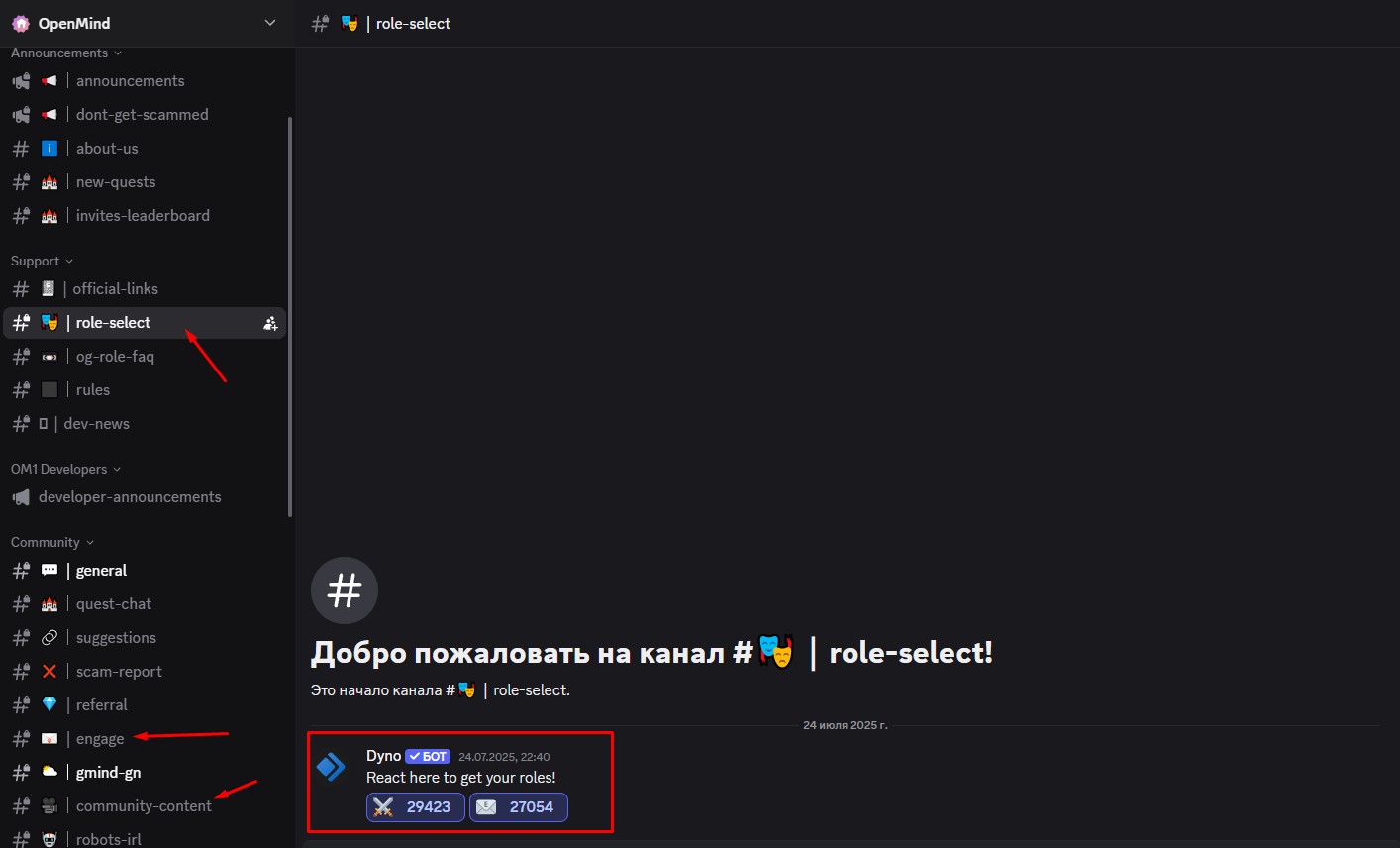
SocialGetting a role- Go to the Discord and complete the verification process.
- Get the basic roles in the #role-select channel.
- Engage with the posts in the #engage channel.
- Create the content and share it in the #community-content channel to earn the Creator role.